Optimizing Web-Based Procedural Material Textures for Real-Time Performance
Learn how optimizing web-based procedural material textures boosts real-time performance. Discover techniques for faster rendering and reduced load times.
Optimizing Web-Based Procedural Material Textures for Real-Time Performance
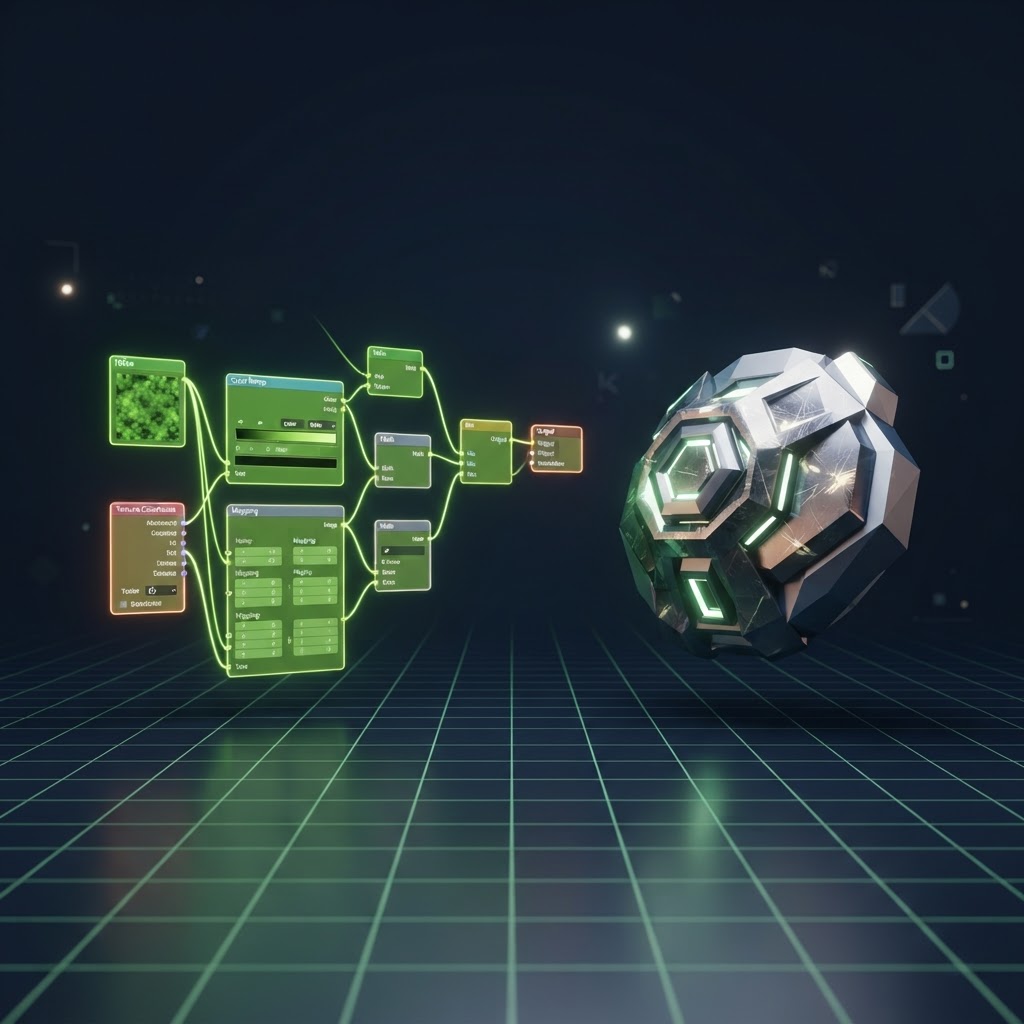
Optimizing web-based procedural material textures is essential for developers aiming to balance visual fidelity with smooth frame rates in browser-based 3D applications. As web-based graphics engines like Three.js and Babylon.js push the boundaries of what is possible in the browser, the demand for complex materials increases. Procedural textures generate patterns mathematically rather than relying on heavy image files, which can save bandwidth. However, if these shaders are not managed correctly, they can create significant bottlenecks on the GPU.
Understanding the Cost of Procedural Generation
Procedural materials rely on shader programs running on the GPU. While you avoid the initial network overhead of downloading a 4K texture file, you trade that for computation time per frame. The complexity of the noise functions, loops, and mathematical branching within your Fragment Shader directly impacts the rendering time. If your shader requires too many operations, users will experience stuttering or frame drops, particularly on lower-end mobile hardware.
Best Practices for Shader Optimization
To ensure your real-time performance remains high, follow these technical guidelines when building your procedural materials:
- Keep mathematical operations simple. Avoid complex trigonometric functions if a linear approximation will suffice.
- Use texture-based lookup tables (LUTs) for complex mathematical functions instead of calculating them in every pixel.
- Reduce precision where possible. In many cases, using lowp (low precision) in GLSL is sufficient for fragment variables and provides a performance boost on mobile devices.
- Minimize conditional branching. Branching can lead to warp divergence on modern GPUs, causing threads to wait for each other.
Comparative Analysis of Optimization Methods
Choosing between procedural generation and traditional textures depends on your specific use case. The following table highlights common performance trade-offs.
| Feature | Procedural Materials | Static Image Textures | | :--- | :--- | :--- | | Network Load | Very Low | High (requires download) | | GPU Memory | Negligible | Moderate to High | | Render Time | Higher (Per Pixel) | Low (Direct Read) | | Scalability | Infinite Resolution | Fixed Resolution |
Leveraging Compressed Textures for Hybrid Approaches
When procedural complexity becomes too taxing, many developers shift toward hybrid workflows. By baking certain procedural patterns into static textures, you offload the computational stress from the GPU. If you choose this route, utilize modern container formats like Basis Universal or KTX2. These formats stay compressed in GPU memory, which significantly reduces the VRAM footprint compared to standard RGBA images. When you need to refine your assets, using optimized tools for your textures is vital for the overall health of your web project.
Advanced Techniques for Real-Time Efficiency
If you must use procedural logic, consider temporal caching or low-resolution passes. You can render your complex noise functions at a lower resolution and use a blurring shader to upscale the result. This technique significantly reduces the total number of fragment calculations while maintaining a visually acceptable result for the user. Always profile your shaders using tools like Spector.js to identify exactly which lines of code are consuming the most cycles.
FAQ: Procedural Texture Performance
Q: Does procedural generation always consume more GPU power than static textures?
A: Not always. Static textures occupy VRAM and can cause stalls during loading, while procedural materials occupy zero VRAM but require constant calculation. The bottleneck depends on whether your app is memory-bound or compute-bound.
Q: Should I use high precision in my shaders for better quality?
A: Only use high precision when absolutely necessary, such as for normals or world-position calculations. For color calculations, mediump or lowp is usually sufficient and much faster.
Q: How can I reduce the download size of materials that rely on external files?
A: When you need to include static maps as part of your material system, use formats like WebP or AVIF. These formats are typically 25 to 35 percent smaller than standard JPEG, leading to much faster initialization times.
By carefully balancing the mathematical complexity of your procedural shaders with efficient texture management, you can create immersive 3D experiences that run seamlessly across all devices. For those who need to compress their static assets before integrating them into their material pipelines, File Optimized allows you to compress and convert images, videos, and 3D files directly in your browser. Our tool operates entirely locally, ensuring that your data remains private while you achieve the optimal balance for your web-based procedural material textures.