Optimizing Web-Based Procedural Noise Maps
Learn how optimizing web-based procedural noise maps enhances site performance. Discover compression techniques for Perlin and Simplex textures.
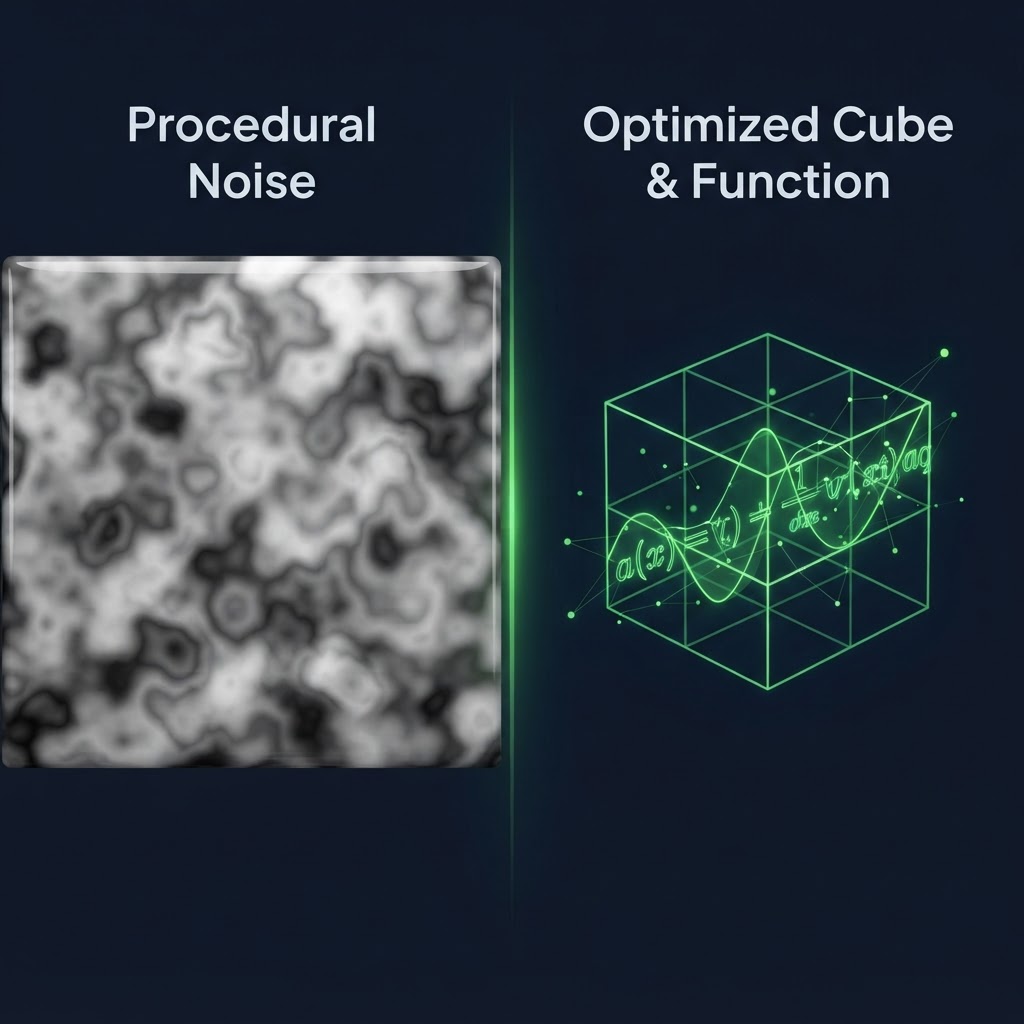
Improving Performance with Procedural Texture Optimization
Optimizing web-based procedural noise maps is a critical task for developers building high-performance 3D experiences in the browser. When you use algorithms like Perlin noise or Simplex noise to generate textures dynamically, you often face significant memory bottlenecks. These procedural textures are generated in real-time, but their internal data structures can rapidly consume GPU memory if not handled correctly. By focusing on precision and bit-depth, you can significantly reduce the overhead associated with these complex mathematical maps.
The Technical Challenges of Procedural Noise
Procedural generation offers the benefit of infinite detail without the storage cost of large image files. However, the runtime cost of calculating these values across thousands of pixels can lead to dropped frames. Optimizing web-based procedural noise maps requires a balance between mathematical complexity and visual fidelity. Developers often generate textures at a lower resolution and then use hardware-accelerated interpolation to scale them up, which maintains the visual look while reducing the number of calculations required.
Comparison of Noise Implementation Methods
| Method | Performance Cost | Visual Quality | Memory Usage | | :--- | :--- | :--- | :--- | | CPU-based Noise | High | High | Low | | GPU Shader Noise | Low | High | Very Low | | Pre-computed Texture | Low | Medium | High |
Strategies for Optimizing Web-Based Procedural Noise Maps
To effectively manage these maps, you should prioritize GPU-based generation. Moving your noise algorithms into a fragment shader allows the GPU to handle the mathematical heavy lifting in parallel. This approach drastically minimizes the load on the main thread.
- Use 8-bit precision: Most noise maps do not require 32-bit floats for basic displacement. Dropping to 8-bit or 16-bit integer formats reduces the memory footprint by half.
- Limit Octaves: Reducing the number of noise octaves decreases the mathematical complexity while maintaining the overall aesthetic.
- Use Lookup Tables: Pre-computing noise gradients into a small, fixed-size texture reduces the need to calculate complex trigonometric functions repeatedly.
Managing Memory and GPU Budget
When optimizing web-based procedural noise maps, you must consider the limitations of mobile devices. Many mobile browsers have strict limits on GPU memory allocation. If your procedural maps exceed these limits, the browser may crash or revert to slower software rendering. Always profile your noise generation using the browser console to identify memory spikes. By keeping your shader code lean and avoiding excessive branching, you keep the procedural generation efficient enough to run at a consistent 60 frames per second.
FAQ: Procedural Noise Optimization
Can I cache procedural noise maps?
Yes, you can render your noise output to a canvas or a low-resolution texture and reuse that buffer instead of recalculating the noise every single frame.
What is the most efficient noise algorithm?
Simplex noise is generally considered more efficient than Perlin noise because it involves fewer multiplications and provides a more visually uniform distribution in higher dimensions.
Should I use WebGL or WebGPU for noise?
WebGPU provides more direct control over compute shaders, making it the preferred choice for high-performance procedural generation tasks compared to traditional WebGL.
If you need to optimize the final assets or textures related to your procedural workflows, remember that File Optimized offers a privacy-focused, browser-based suite of tools that can compress and convert your media files locally without ever uploading them to a server.