Optimizing Web-Based Procedural Textures for Performance
Learn how optimizing web-based procedural textures improves performance, reduces load times, and maintains visual fidelity in your browser applications.
Improving Performance with Procedural Textures
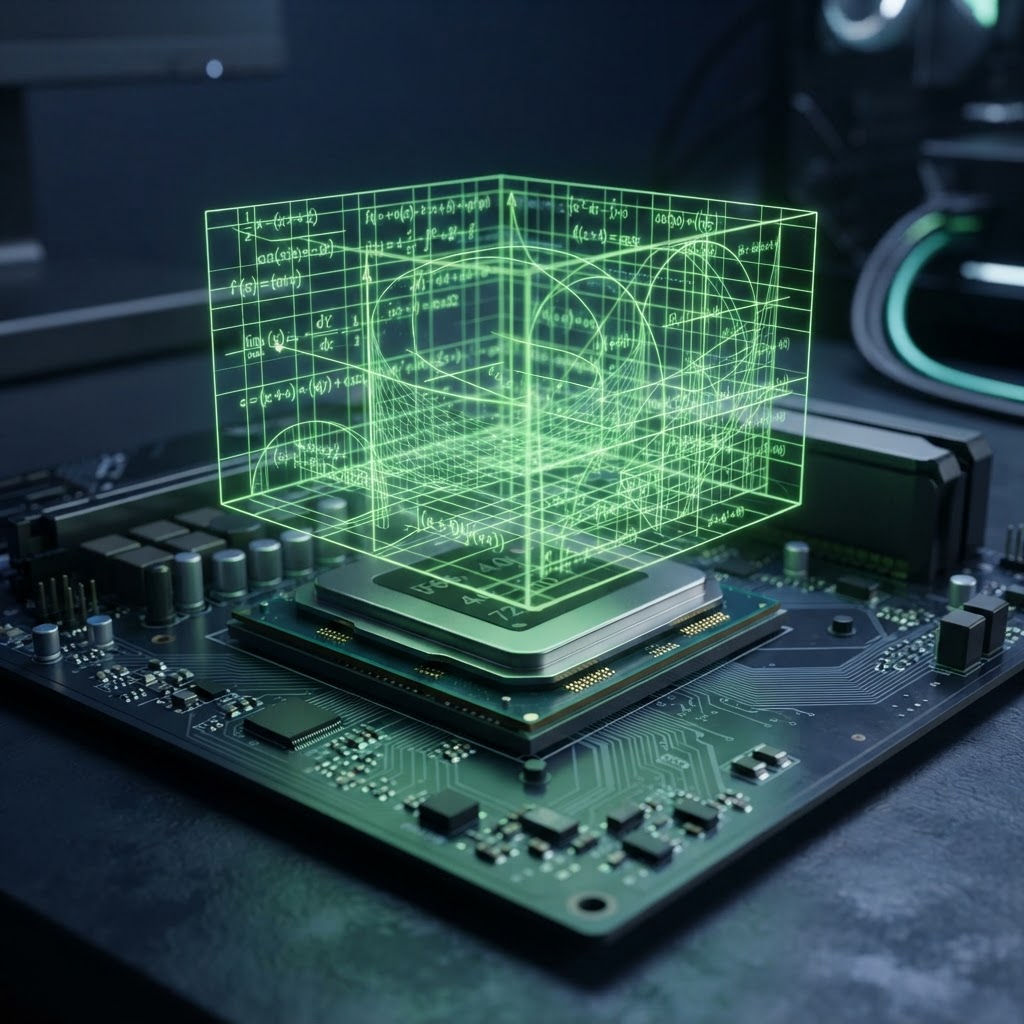
Optimizing web-based procedural textures is a critical skill for developers aiming to build high-performance 3D web applications. Unlike traditional raster images that occupy significant memory and bandwidth, procedural textures generate pixels via mathematical functions directly on the GPU. By understanding the balance between complexity and performance, you can deliver rich, high-resolution visuals without the overhead of massive texture files.
The Role of Procedural Generation in Web Graphics
Procedural generation uses algorithms like Perlin noise, Simplex noise, or fractal patterns to create surface detail at runtime. Because these textures are calculated, they do not require network requests for large image assets. When you are optimizing web-based procedural textures, the goal is to minimize shader instruction counts while maintaining the desired aesthetic quality.
Modern browsers handle complex shaders quite efficiently via WebGL and WebGPU. However, mobile devices often struggle with complex fragment shaders. Keeping your math operations efficient is essential for maintaining a consistent frame rate across various hardware configurations.
Strategies for Optimizing Web-Based Procedural Textures
To ensure your textures perform well, consider the following technical strategies:
- Use low-precision qualifiers: In GLSL, using 'mediump' instead of 'highp' in your fragment shader can significantly improve performance on mobile devices with little loss in visual quality.
- Pre-calculate noise: If a texture pattern is static or loops periodically, consider generating it once into a small data texture rather than calculating the noise function every frame.
- Minimize branching: Avoid using 'if' statements or loops within the fragment shader. Use mix, clamp, and step functions to handle conditional logic, as these are better optimized for GPU execution.
- Simplify math: Use simpler noise approximations or fewer octaves when calculating fractal patterns. Often, a two-octave noise function is visually indistinguishable from a four-octave version when viewed on small displays.
Performance Comparison Table
| Method | Memory Usage | GPU Load | Flexibility | | :--- | :--- | :--- | :--- | | 4K Raster Image | Very High | Low | Static | | Complex Procedural | Very Low | Very High | Dynamic | | Optimized Procedural | Very Low | Medium | Dynamic |
Frequently Asked Questions
Q: Does optimizing web-based procedural textures help with battery life?
A: Yes, reducing the computational load on the GPU lowers power consumption, which is especially beneficial for mobile users.
Q: What is the main advantage of procedural textures over PNG or JPEG assets?
A: Procedural textures are resolution-independent and require zero bandwidth, whereas PNG or JPEG files can be very large in memory.
Q: Are there browser compatibility issues with procedural shaders?
A: Most modern browsers support WebGL 2.0, which allows for robust procedural texture generation, though performance varies by hardware.
Final Recommendations for Web Developers
When you focus on optimizing web-based procedural textures, always profile your shader code using browser developer tools. Look for bottlenecks in the fragment shader and simplify your math wherever possible. By moving these calculations to the GPU efficiently, you ensure a smoother experience for all users.
While procedural textures reduce download sizes, you will often still need to process raster images or optimize other file formats for your web projects. File Optimized provides a private, browser-based solution that allows you to compress and convert images, audio, and video files locally without ever uploading your sensitive data to a server.