Optimizing Web-Based Procedural Texture Generation
Learn how optimizing web-based procedural texture generation improves 3D performance. Boost rendering speed with our proven technical guide.
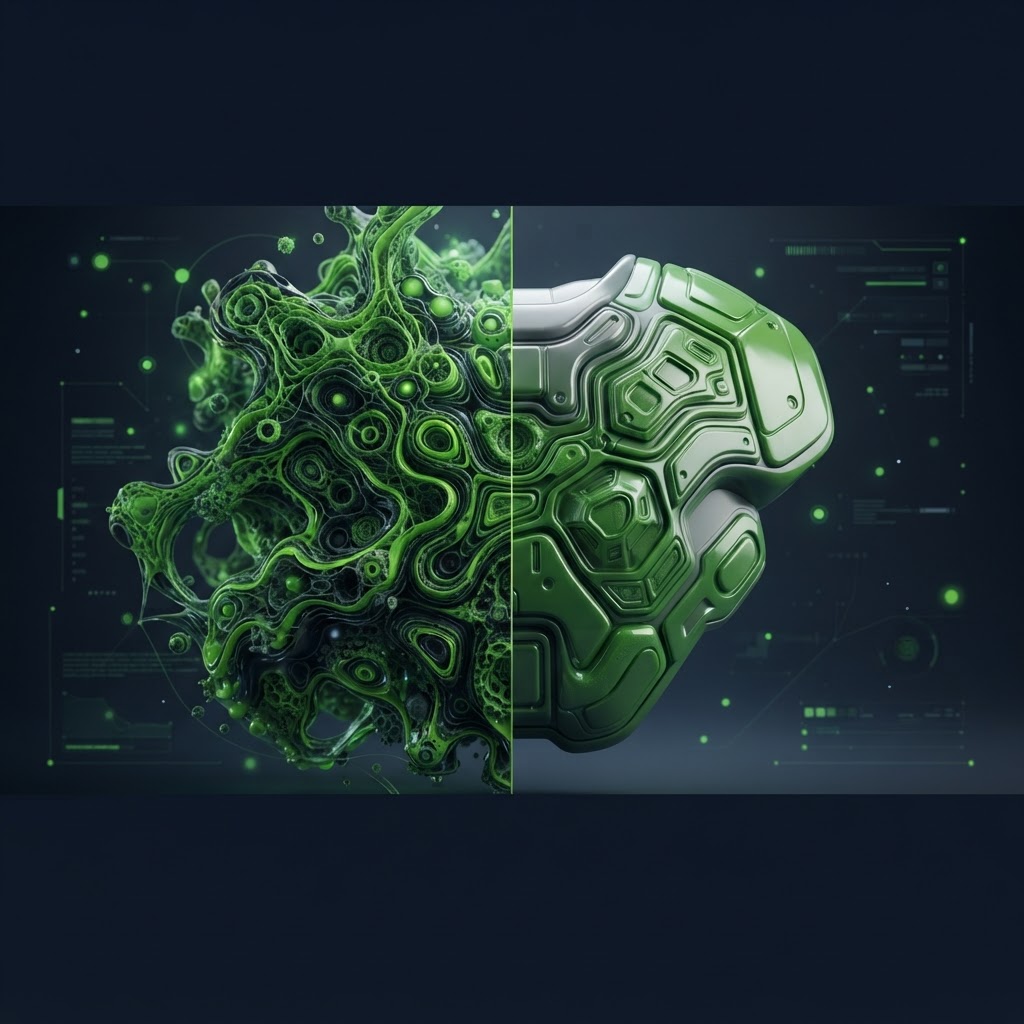
Improving Performance through Optimizing Web-Based Procedural Texture Generation
Optimizing web-based procedural texture generation is a critical task for developers building high-performance 3D applications in the browser. When you rely on mathematical algorithms to generate patterns or noise rather than static image files, you save massive amounts of bandwidth. However, if these shaders or scripts run inefficiently, they can cause significant frame drops on mobile devices and lower-end machines. By refining your approach to shader logic and memory management, you ensure that your 3D experiences remain smooth and accessible to a wider audience.
The Technical Challenges of Procedural Shaders
Procedural textures are generated at runtime using mathematical functions like Perlin or Simplex noise. While this eliminates the need for large texture downloads, the computational cost falls entirely on the client GPU. If your shaders contain complex nested loops or excessive texture lookups, the browser may struggle to maintain a consistent frame rate. Optimizing web-based procedural texture generation requires a deep understanding of how WebGL and WebGPU handle fragment shader calculations.
Key Considerations for Shader Optimization
To improve your procedural pipeline, consider the following technical strategies:
- Minimize branch statements: Using if or switch statements inside fragment shaders can cause warp divergence, which slows down GPU execution.
- Use precision qualifiers: Default to mediump precision whenever possible. Highp is often overkill for procedural textures and consumes more power.
- Pre-calculate constants: Perform as many calculations as possible in the vertex shader or in JavaScript before passing values to the GPU.
- Cache noise patterns: If your procedural texture is static after creation, render it once to a canvas or an offscreen frame buffer to avoid recomputing it every frame.
Efficiency Comparison: Procedural vs Static Assets
Understanding the trade-off between procedural generation and static assets is vital for web performance. Below is a comparison of common asset strategies.
| Feature | Procedural Textures | Static Textures (JPEG/PNG) | Optimized Textures (WebP/KTX2) | | :--- | :--- | :--- | :--- | | Download Size | Near zero | High | Low | | GPU Load | High | Low | Moderate | | Scalability | Infinite | Limited by Resolution | Limited by Resolution | | Memory Usage | Low | High | Low |
Strategies for Optimized Rendering
When optimizing web-based procedural texture generation, you must balance visual fidelity with compute budgets. One effective technique is to use lower resolution noise maps as lookup tables rather than computing complex noise functions on every pixel. By sampling from a small, pre-generated texture, you reduce the mathematical overhead significantly. Furthermore, leveraging the GPU's native hardware interpolation can smooth out artifacts in your generated patterns without requiring extra cycles from the processor.
Another approach involves offloading heavy computation to Web Workers. While you cannot run GPU-specific shader code in a worker, you can generate complex procedural data structures or bitmapped representations in a background thread and upload them to the GPU. This prevents the main UI thread from freezing, ensuring a responsive user interface while the textures are being prepared.
Advanced Techniques for Web-Based Procedural Texture Generation
For advanced developers, optimizing web-based procedural texture generation often involves transitioning toward WebGPU. WebGPU provides a more direct interface to the GPU than WebGL, allowing for more efficient compute pipelines. By writing custom compute shaders, you can generate textures in parallel with far greater control over memory access patterns. This allows for complex noise synthesis, fluid simulations, or terrain generation that would otherwise choke a standard WebGL implementation. Always remember to profile your shaders using browser-based debugging tools to identify bottlenecks in your procedural loops.
Frequently Asked Questions
Why does my procedural texture cause lag in the browser?
Lag is typically caused by complex math in the fragment shader. If every pixel requires a heavy calculation, the GPU will struggle to maintain 60 frames per second.
Can I cache a procedural texture after it is generated?
Yes. Once your procedural texture is created, you can render it to an offscreen canvas or a texture attachment to prevent re-calculating it every frame.
Is procedural generation always better than using image files?
Not necessarily. Procedural generation saves bandwidth but costs GPU performance. If your texture is simple, a highly compressed WebP image will often perform better than a complex shader.
Conclusion
Mastering the balance between shader complexity and GPU capacity is the key to creating fast, beautiful web-based 3D models. By carefully managing your mathematical operations and utilizing cached buffers, you can provide an exceptional user experience. Once you have generated your textures or models, you can easily optimize them further by using File Optimized. Our platform allows you to convert, compress, and refine your 3D assets locally in your browser, keeping your data private while ensuring your files are as small and fast as possible for free.