Optimizing Interactive 3D Model Annotations for Faster Load Times
Learn how optimizing interactive 3D model annotations improves web performance. Reduce load times for GLB files locally with these professional techniques.
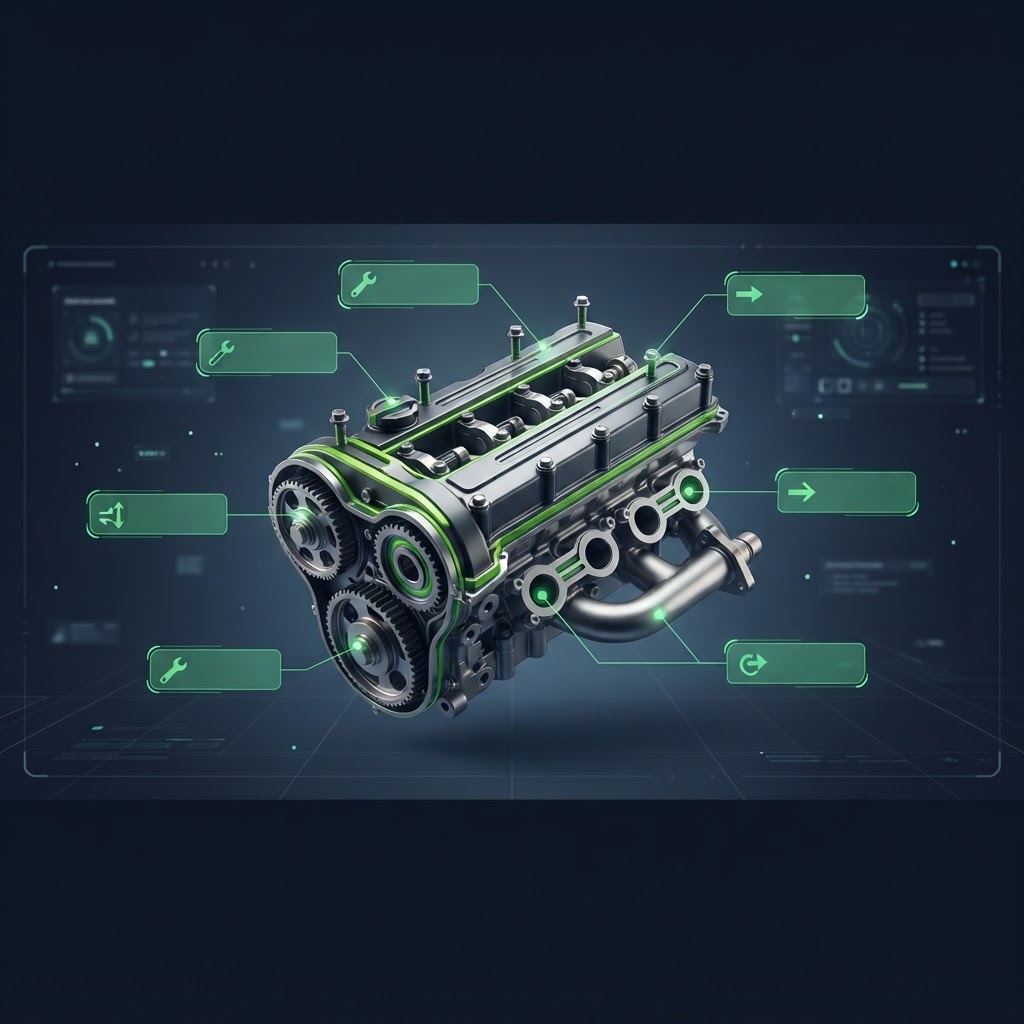
Optimizing Interactive 3D Model Annotations for Faster Load Times
When developers integrate high-fidelity assets into web applications, optimizing interactive 3D model annotations is a critical step for maintaining site performance. As users demand more immersive experiences, the size of 3D scenes often balloons, leading to high latency and slow initial paint times. By strategically managing annotations and associated assets, you can deliver rich content without sacrificing the user experience or forcing excessive bandwidth consumption on your audience.
The Impact of Annotations on 3D Performance
Interactive 3D model annotations are metadata layers that provide context to specific points on a geometry. While small in isolation, poor implementation can multiply the number of draw calls or force redundant resource requests. When we discuss optimizing interactive 3D model annotations, we are focusing on how these data points interact with the core GLB file and the rendering engine. If every annotation triggers an expensive asset fetch, or if the accompanying text and icon data are not compressed, the total weight of the model grows significantly.
Best Practices for Lightweight Annotations
To ensure your 3D models remain performant, you should adopt a modular approach to content delivery. Start by decoupling your annotation data from the geometry itself. Storing textual descriptions and coordinate data in a separate JSON manifest allows the browser to prioritize the model geometry, which is usually the heaviest component. By separating these concerns, you gain more control over the loading order and can implement lazy loading for the annotation metadata.
Minimize Texture Overheads
One of the most frequent mistakes when optimizing interactive 3D model annotations involves the use of high-resolution textures for the visual markers themselves. UI elements and icons used for annotations should ideally be vector-based or compressed raster images. Using formats like WebP can reduce file sizes by 25 to 35 percent compared to standard JPEG counterparts. Ensure that all UI icons are consolidated into a single sprite sheet to minimize HTTP requests.
| Asset Type | Recommended Format | Optimization Strategy | | :--- | :--- | :--- | | Geometry | GLB (Draco) | Mesh compression | | UI Icons | WebP/SVG | Sprite sheets | | Text Data | JSON | Minification | | Global Maps | KTX2 | GPU-ready compression |
Technical Strategies for Faster Load Times
Efficiently optimizing interactive 3D model annotations also requires careful consideration of mesh geometry. Using the Draco compression algorithm for your GLB files significantly reduces the byte size of your geometry without losing visual fidelity. When annotations are mapped to specific vertices, ensure your vertex count is optimized before applying coordinate transforms. If the underlying mesh is overly dense, the overhead of calculating the projection of your annotations during every frame of the render loop will result in dropped frames and a sluggish interaction layer.
Implementing Effective Loading Sequences
To achieve the best results, implement a staged loading pattern. First, load the base model geometry and apply the primary lighting. Once the initial render is complete, asynchronously inject the annotation metadata. This ensures that the user sees the core model quickly, preventing the perception of a frozen page. By optimizing interactive 3D model annotations through staged loading, you improve the Time to Interactive metric, which is vital for modern SEO and user engagement.
Frequently Asked Questions
Q: Does Draco compression affect the placement of my annotations?
A: No. Draco compression primarily optimizes the geometry storage. As long as your annotation coordinates are relative to the model vertex indices, they will remain correctly positioned after decompression.
Q: Should I store annotation text inside the GLB file?
A: It is generally better to store text in a separate JSON file. This makes it easier to update content without re-exporting the entire 3D model and allows for easier localization of text strings.
Q: How can I test the performance impact of my annotations?
A: Use the browser performance tab to track memory usage and frame rates. Monitor the number of draw calls and the time taken for XHR requests when your annotation layers load.
Secure and Local Optimization
When you are ready to prepare your assets, remember that you do not need to rely on external servers that put your intellectual property at risk. File Optimized allows you to compress your GLB files, optimize your UI textures, and manage your asset formats directly in your browser. Because all processing happens locally on your machine, your sensitive 3D models remain completely private throughout the optimization process.